How to Collect Emails From Your Instagram Followers (Easily)
Your Instagram followers aren't yours — they're Instagram's. Learn how to turn them into email subscribers you own with a simple lead magnet and bio link setup.
Your Instagram following is not your audience. It's Instagram's audience — and they let you borrow it.
That sounds harsh, but the numbers back it up. According to Socialinsider's 2025 reach study, the average Instagram post reaches just 3.5% of your followers. If you have 10,000 followers, roughly 350 people see what you post. And that number has dropped 12% year over year.
An email list works differently. You own it. No algorithm decides who sees your message. No platform change can wipe it out overnight. And according to Litmus research, email marketing returns an average of $36 for every $1 spent — more than any other marketing channel.
The good news: your Instagram following is one of the best sources of email subscribers you have. You've already done the hard work of building trust and an audience. Getting their email is just one more step.
Here's exactly how to do it.
Step 1: Give People a Reason to Hand Over Their Email
Nobody gives away their email address for nothing. You need a lead magnet — something genuinely useful that your audience wants badly enough to exchange their contact details for.
Good lead magnets for Instagram creators include:
- A PDF guide or checklist related to your niche
- A template they can use immediately
- A mini email course (3–5 emails over a few days)
- Exclusive content not available anywhere else
- A resource list or toolkit
The best lead magnets are specific and immediately useful. "10 caption templates for product-based businesses" will outperform "Social media tips" every single time. Think about the most common question your followers ask you in DMs or comments, and answer it in a document.
For more niche-specific ideas, check out our guides for creators and influencers, personal trainers, and real estate agents.
Step 2: Create a Collection Page With a Link
Once you have your freebie, you need a page where people can enter their email and receive it automatically.
This is where most creators stall. Setting up a landing page, connecting an email marketing platform, configuring automations, and hosting a file can easily eat an afternoon — and that's if everything works on the first try.
Claimful is built to skip all of that. Upload your file, customize your page if you want, and get a shareable link. When someone visits that link and enters their email, they get instant access to your lead magnet — and you collect their contact info automatically. Free plan available, no website or technical setup required.
Here's how it works — set up your lead magnet delivery in 60 seconds:
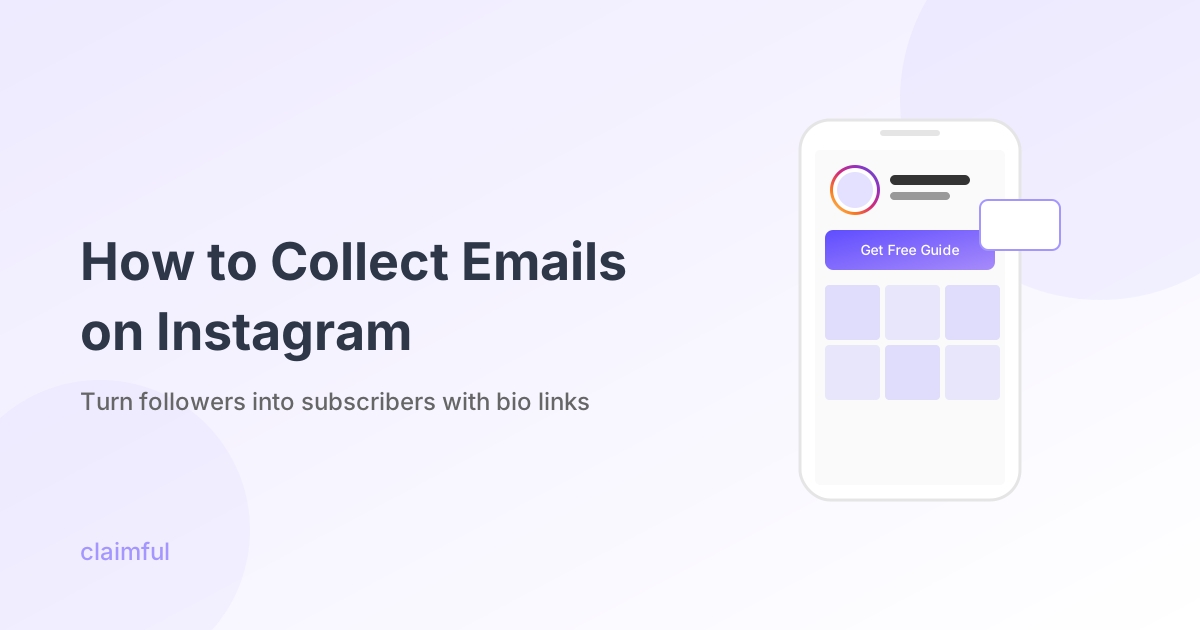
Once you have your link, add it to your Instagram bio. That link becomes the engine — everything else just drives traffic to it.
Step 3: Drive Traffic to That Link From Your Content
Your bio link does nothing if nobody clicks it. This is the part most creators underuse.
A few approaches that work well:
In your captions: End posts with a direct CTA. "Want the full checklist? Link in bio." Simple, specific, and it works. The key is making the CTA match the content — if your post is about a topic your lead magnet covers, the connection is obvious and the click-through rate will reflect that.
In Stories: Use the link sticker to send people directly to your collection page. Stories convert well because they feel personal and immediate. A quick "I made a free guide on this — link above" is often all it takes.
In Reels: Mention the freebie in the video itself, then point to the bio. People who watch a full Reel are already engaged — they're warm. And Reels have broader reach than feed posts, so they're good for attracting new followers who then discover your bio link.
In carousel posts: Create a carousel that delivers value on its own, then mention your lead magnet as the "full version." A carousel with "5 Caption Formulas That Work" where the last slide says "Want 20 more? I put together a free template pack — link in bio" works because you give value first.
Pinned posts: Pin a post specifically about your lead magnet to the top of your profile. Anyone who lands on your page will see it immediately.
The more consistently you mention the freebie in your content, the faster your list grows. Aim for 2–3 mentions per week across posts, Stories, and Reels. Consistent but not overwhelming.
Step 4: Export and Use Your List
As your list grows, you can export your subscribers from Claimful as a CSV and import them into whichever email marketing platform you use — Kit, Mailchimp, MailerLite, or anything else — when you're ready to send newsletters or campaigns.
The point isn't to keep your contacts locked in one tool forever. It's to start collecting them now, before you have the perfect setup, so that when you do have a newsletter or a product to sell, you have an audience ready.
Realistic Results
Let's run actual numbers so you know what to expect.
Say you have 5,000 Instagram followers. Average engagement rates are around 3–5% for most accounts. Let's use 3% conservatively.
If you post about your lead magnet:
- About 150 people might engage with the post
- Maybe 40% of those click through to your bio link (60 clicks)
- Average landing page conversion is around 18%
- That's roughly 10–11 new email subscribers per promotional post
Mention your lead magnet in 8 posts per month (twice weekly), and you're looking at roughly 80–90 new emails monthly. That's nearly 1,000 emails per year from effort you put in once (creating the lead magnet) plus consistent promotion.
And unlike followers, you own those email addresses. They can't be algorithmically hidden from you.
Common Mistakes to Avoid
Only promoting once. You share your lead magnet when you launch it, then forget about it. Most of your followers didn't see that post. Keep promoting.
Making it too complicated. If getting your lead magnet requires multiple steps, clicks, or pages, people drop off. One link, one email field, instant access — that's the formula.
Not showing what they'll get. Be specific. "Free guide" is vague. "7-Day Workout Plan PDF" is concrete. People need to know what they're getting before they hand over their email.
Forgetting the follow-up. Someone downloads your lead magnet — then what? Have a welcome email ready. Provide value before you ask for anything. This is where the relationship gets built.
Promoting without context. Random "link in bio" mentions feel spammy. Tie your promotion to relevant content. Talk about the problem, then mention your resource as the solution.
Beyond the Bio: Other Strategies
While the bio link is your primary tool, there are other approaches worth exploring:
DM automation. Some tools let you automatically send a link when someone DMs you a keyword. "DM me 'GUIDE' to get the free checklist" can work well, especially in Stories.
Close Friends lists. Offer exclusive content to email subscribers via Close Friends stories. This gives people a reason to join your list beyond just the initial lead magnet.
Collaborations. Partner with complementary creators to share each other's lead magnets. You get exposure to a new audience that's already interested in related content.
Start Collecting Emails This Week
Most creators know they should be building an email list. The reason they haven't is that "setting it up" keeps getting pushed to next week.
Here's the action plan:
- Create one lead magnet. Keep it simple — a checklist, template, or short guide. Use Canva or Google Docs.
- Upload it to Claimful. Get your shareable link. Takes about 60 seconds.
- Add the link to your Instagram bio. Update your bio text to mention what people get.
- Mention it in your next post. Then keep mentioning it 2–3 times per week.
- After 30 days, check your results. How many emails did you collect? What content drove the most clicks? Adjust from there.
Your Instagram following is already there. The only thing missing is the step that turns a follower into a contact you actually own.
Ready to start collecting emails from Instagram? Get started with Claimful — upload your lead magnet and get a shareable link in 60 seconds. Free plan available.
For more on creating effective lead magnets, check out our complete guide. Or see our tool comparison if you're evaluating options.